Three checks. Four minutes each.
Do not rehearse the whole presentation. Test the moments where timing or ownership can fail.
Open the right views
- The speaker opens the stage link on the device they will use live.
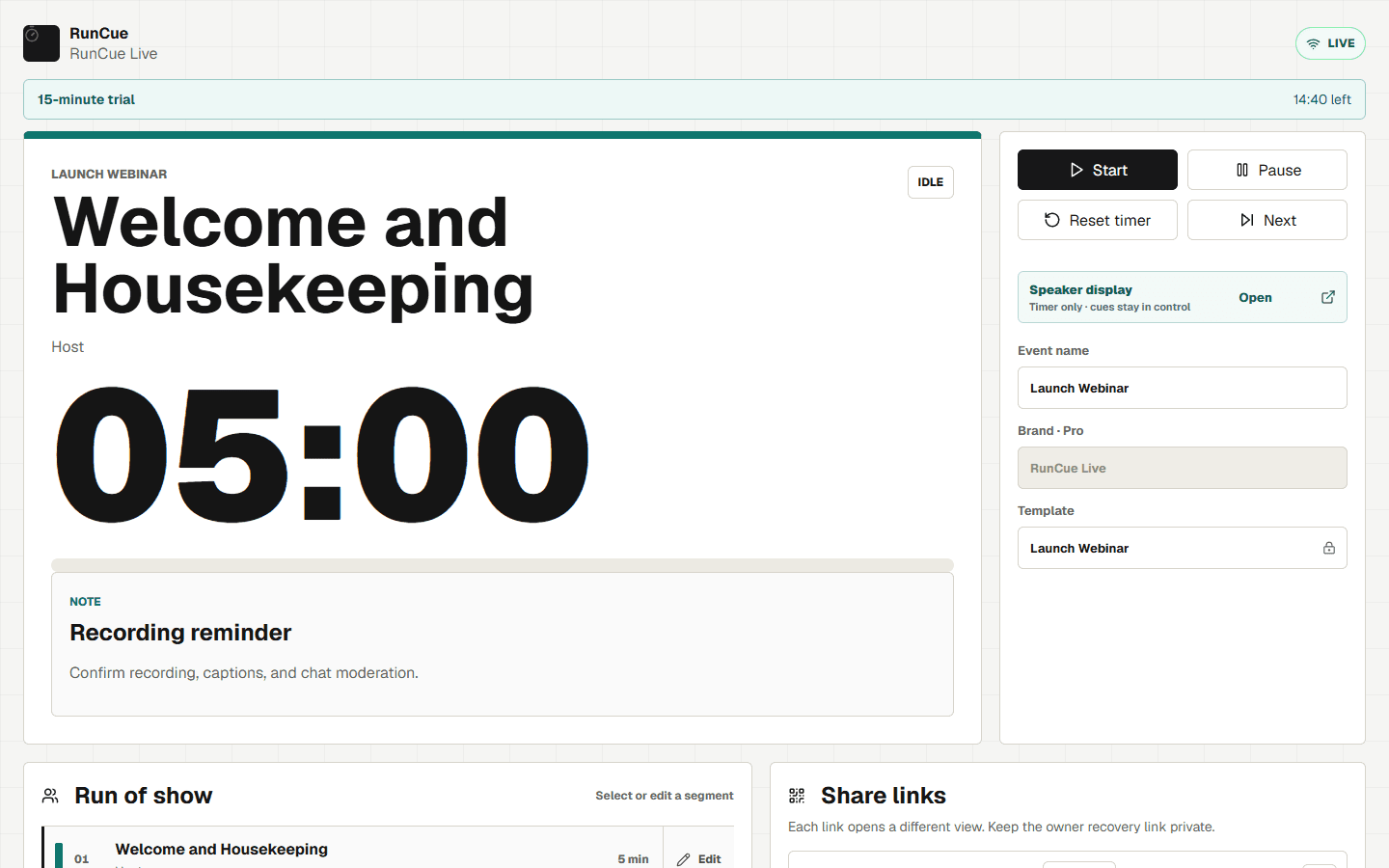
- The producer keeps the control link and confirms Start, Pause, Reset, and Next.
- The owner recovery link stays with the person responsible for the room.
Run two handoffs
- Rehearse the host-to-speaker handoff and the speaker-to-Q&A handoff.
- Send one private cue with a minute left and another when the segment ends.
- Agree on what the speaker does if the cue arrives while they are mid-sentence.
Break it on purpose
- Reload the stage link once and confirm the speaker returns to the same countdown.
- Name the first section to cut if the webinar is two minutes late.
- Confirm who takes over the timer if the primary producer disconnects.
Keep control with the producer.
The speaker gets a clean countdown. The producer gets the timer controls, segment list, and private cue.
- Separate control and stage links
- Private producer cues
- Reset and segment editing in the trial
What to confirm before event day
Assign production roles, rehearse transitions, test the attendee view, and keep a second producer ready to take over.
Microsoft recommends assigning roles, practicing transitions, joining at least 15 minutes early, and keeping a backup producer.
Microsoft Teams production guidanceZoom recommends rehearsing ahead of event day on the devices planned for the live session and testing speaker handoffs.
Zoom webinar host guide